
Last updated 10 September 2026
Quick answer: Open the free Roof Azimuth Calculator, type your address, tap the ridge of the roof section, then tap a second point in the direction the roof slopes down. The tool gives you the azimuth in degrees from true north. It takes about a minute and nothing is stored.
Every solar quote, yield estimate and monitoring baseline starts with one number: which way the roof faces. Installers call it azimuth. Most people guess it from a phone compass or by eyeballing Google Maps, and both methods are worse than they look. Here’s how to get the real number in about a minute, using nothing more than your browser.
What is the Roof Azimuth Calculator for?
It measures the compass direction a roof section faces, straight off a satellite photo. North is 0°, east is 90°, south is 180° and west is 270°. That’s the figure PVWatts, your installer’s design software and our own Solar Panel Angle Calculator all ask for.
Because it works from the map rather than a compass, it measures from true north. A phone compass reads magnetic north, and in Sydney that’s about 12° off. We wrote more about why that matters in which way solar panels should face in Australia. This post is just about using the tool.
How do I use it?
Step one: type your address into the search box and pick it from the list. The map jumps to a satellite photo of the property, zoomed right in. If the geocoder lands on the neighbour’s place, which happens in newer estates, just drag the map across.
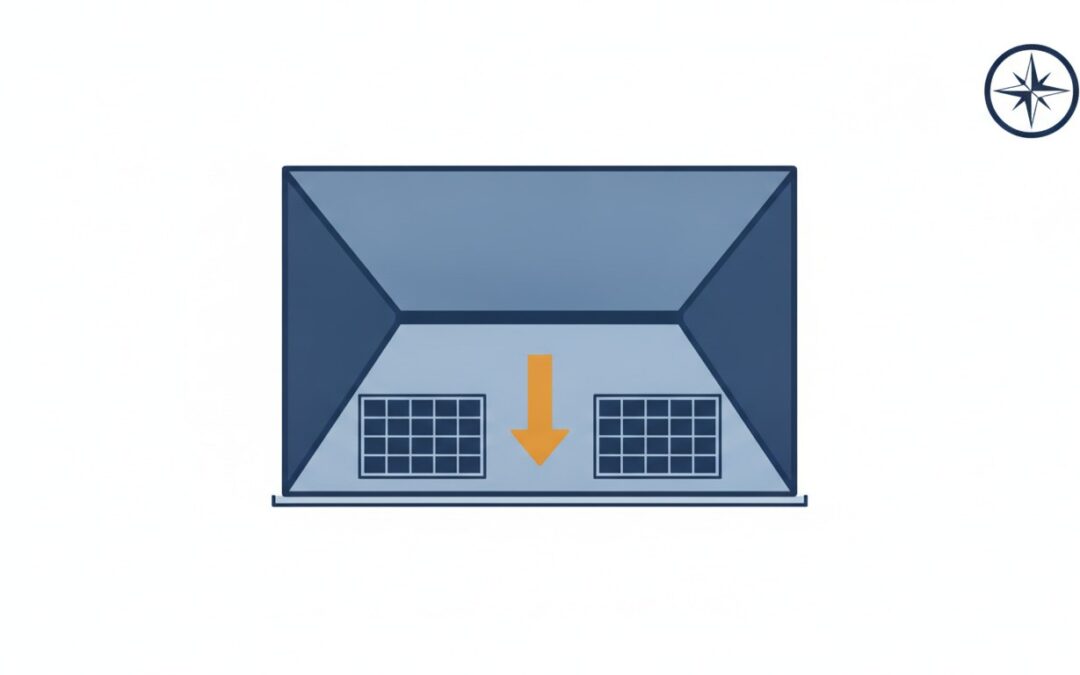
Step two: find the roof section you’re thinking about for panels and tap its ridge, the high line along the top. A blue dot appears, with a dotted north line through it so you can see the angle you’re about to make.
Step three: tap a second point in the direction the roof slopes down. A red dot appears and the tool draws an arrow from ridge to gutter. The line doesn’t have to stop at the gutter. A longer line is easier to keep straight, so going well past the gutter into the yard is fine. What matters is that the line runs square to the gutter, not that it ends on it.
That’s it. The azimuth shows up in big numbers, with the compass direction next to it (say, 312° NW) and a verdict on how that direction rates for solar at your latitude.
What if the arrow points the wrong way?
If you tapped the gutter first and the ridge second, the arrow points uphill and the number is 180° out. Hit Flip 180° and it swaps. If a dot is a bit off, drag it. The number updates live, and the needle on the compass rose in the corner swings round with it.
How accurate is it?
Within a degree or two if you zoom in and place the dots carefully. That’s more than enough. A few degrees either way changes annual solar output by well under 1%. To be honest, you’ll get more variation from a dirty panel than from a 5° azimuth error.
Satellite imagery is refreshed periodically, not continuously, so a new build might not show yet. The tool works on any roof you can see, including an identical neighbour’s roof down the street.
What do I do with the number?
Three things, usually. Give it to your installer, so their quote uses your real roof rather than a guess. Feed it into the Solar Panel Angle Calculator along with your tilt and postcode to see what share of the ideal yield your roof captures. The link under the result does this for you. And use the Copy link button to save or share the exact measurement; the whole thing, map position and dots included, lives in the link.
Does the tool store my address?
No. There’s no database behind it. The address lookup goes to the Esri geocoder and the imagery comes from Esri, the same way any online map works. PV Fleet doesn’t see or save any of it.
Already have solar?
Then your azimuth was decided the day the house was built, and there’s nothing to do about it. What isn’t fixed is whether every panel is still pulling its weight. A north facing system with one faulty string loses more than a west facing system that’s fully working, and the fault can sit there for months without anyone noticing. PV Fleet connects to the inverter monitoring you already have, learns what your system should produce and alerts you within hours when it drops off. Book a free demo if you look after more than a couple of systems, or read why solar systems quietly underperform first.
All six free tools (roof azimuth, roof tilt, panel angle, roof area and panel count, a latitude and longitude finder, and a solar orientation comparison) are on the free solar tools page. No signup, and they work for any address.